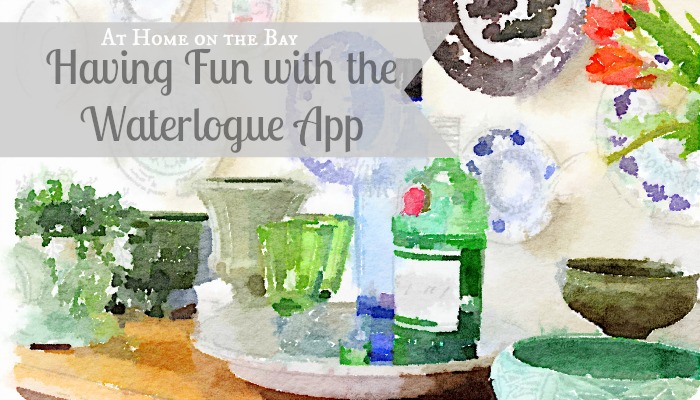
This weekend I went to Cleveland for a house hunting trip. We didn’t have much luck, but we learned a lot about the area and ate well. I didn’t even take one picture. I brought my camera and never once used it, so I don’t have any pictures to show you from my trip. What I do have to show you is all the watercolors I made while sitting in the airport this weekend. Well, I didn’t actually paint them by hand, but used an iPhone App to “paint” them. It is called the Waterlogue App by Tinrocket. I stumbled upon it and I was immediately hooked.
The Waterlogue App is a new app (it just came out in December) for the iPhone, iPad and iPod that is quickly becoming popular. It will turn your photos into pretty watercolors. It costs $2.99 to download, and is worth it for all the fun it provides. You do need to have the latest iPhone software update (iOS 7) for the app to work.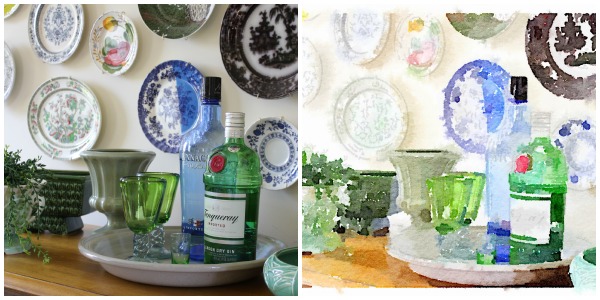
It is very user friendly. You load a photo from your album and then play with the different filters and watch as your photo is turned into a sketch and paint is added. Then you can add borders (or not). Once you are done, you have options for saving it and sharing it.
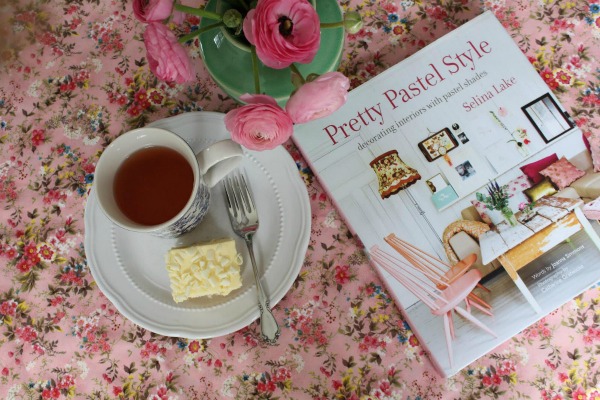
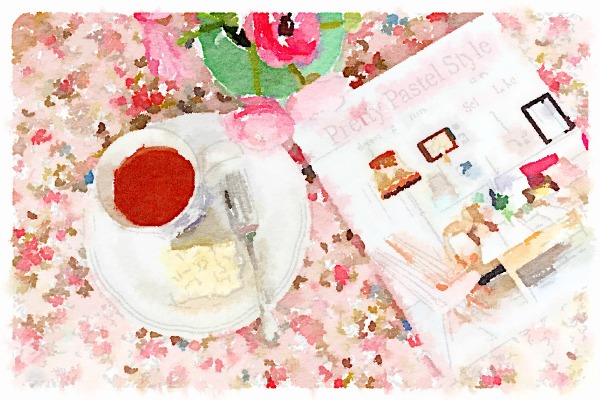
You can do portraits too.

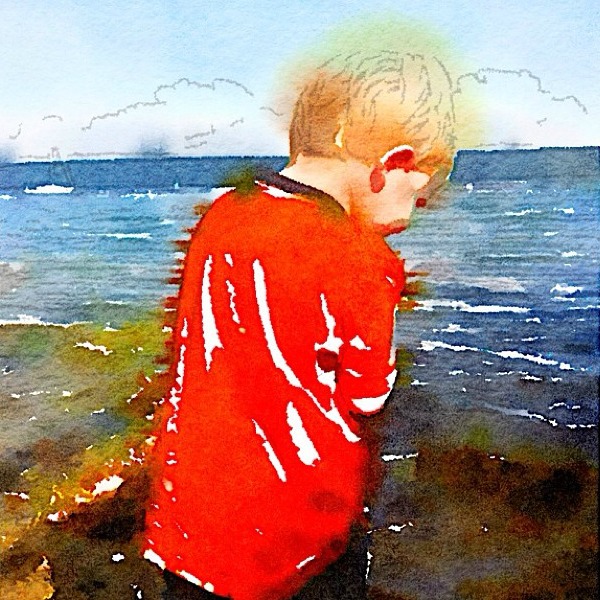
… and landscapes.
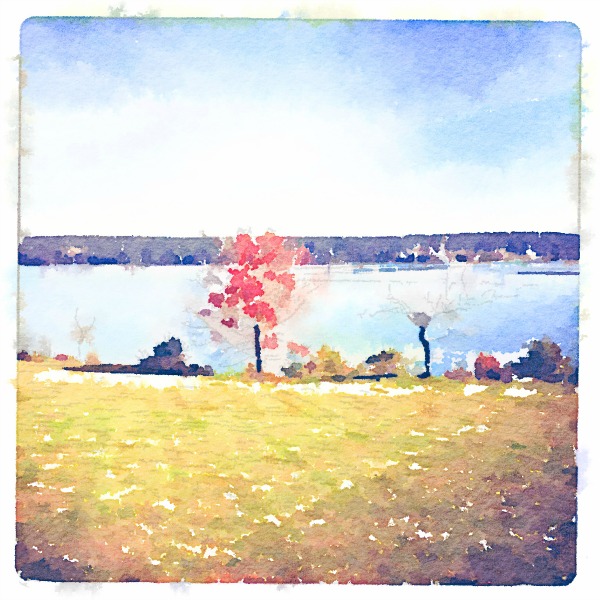
Don’t know how to paint. No problem. I highly recommend it.
 P.S. I have no affiliation nor received any compensation from Waterlogue. I just wanted to share the fun I’ve been having.










What a fun App that is! I love your ‘artwork’. 🙂
Thanks I’ll check it out – looks like you could get lost for hours.
How cool is this? I’ve been seeing the waterlogue pictures all over my instagram and FB feed so I am dying to check it out.
How do you print them? Do you have to go to a special lab, or use special paper???
I would save them to a flash drive or SD card and bring it to Staples (or your local printing shop) and print it on their card stock. It is not that expensive. I am sure there are other ways to do it, but that is how I do all my special printing.
Such a cool app Mary- thanks for sharing it!
I downloaded the app even before I finished reading your blog post. I love it!! What fun!